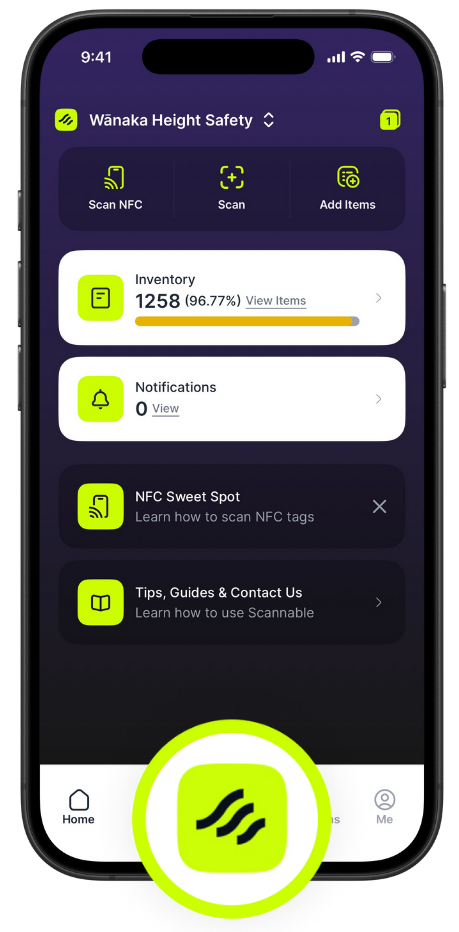
The Squircle Button is the lime button at the bottom of the app screen, affectionately named after the shape of our logo and our on-metal NFC tag. Tapping it will quickly open the following actions:
- NFC — Tap a tag to identify an item
- Scan — Use the camera to scan a data matrix, QR code, or packaging barcode
- Search — search for a Product by name or code
Pro tip: if you're an iPhone user, try a long press (tap and hold) on the Squircle button to open the actions.