
Moving, renaming, and editing a folder using the web app
-
Select 'Inventory' from the left hand menu
-
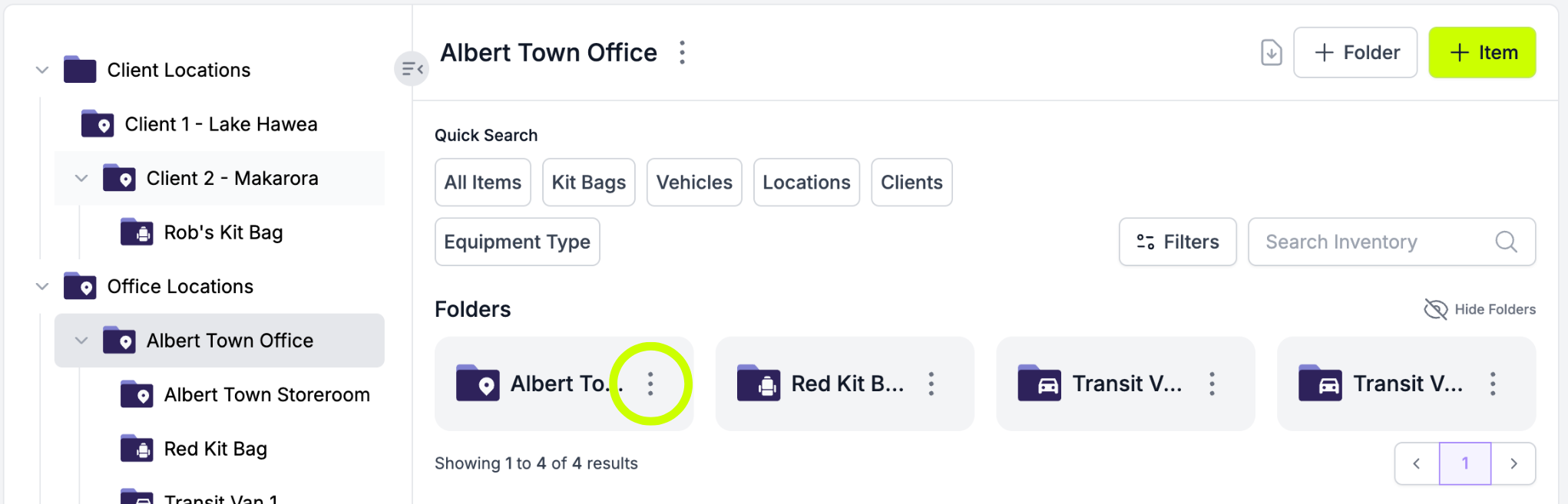
Select the folder you want to edit in the folder tree
-
Click on the three dots to the right of the folder name
-
Click "Update"
-
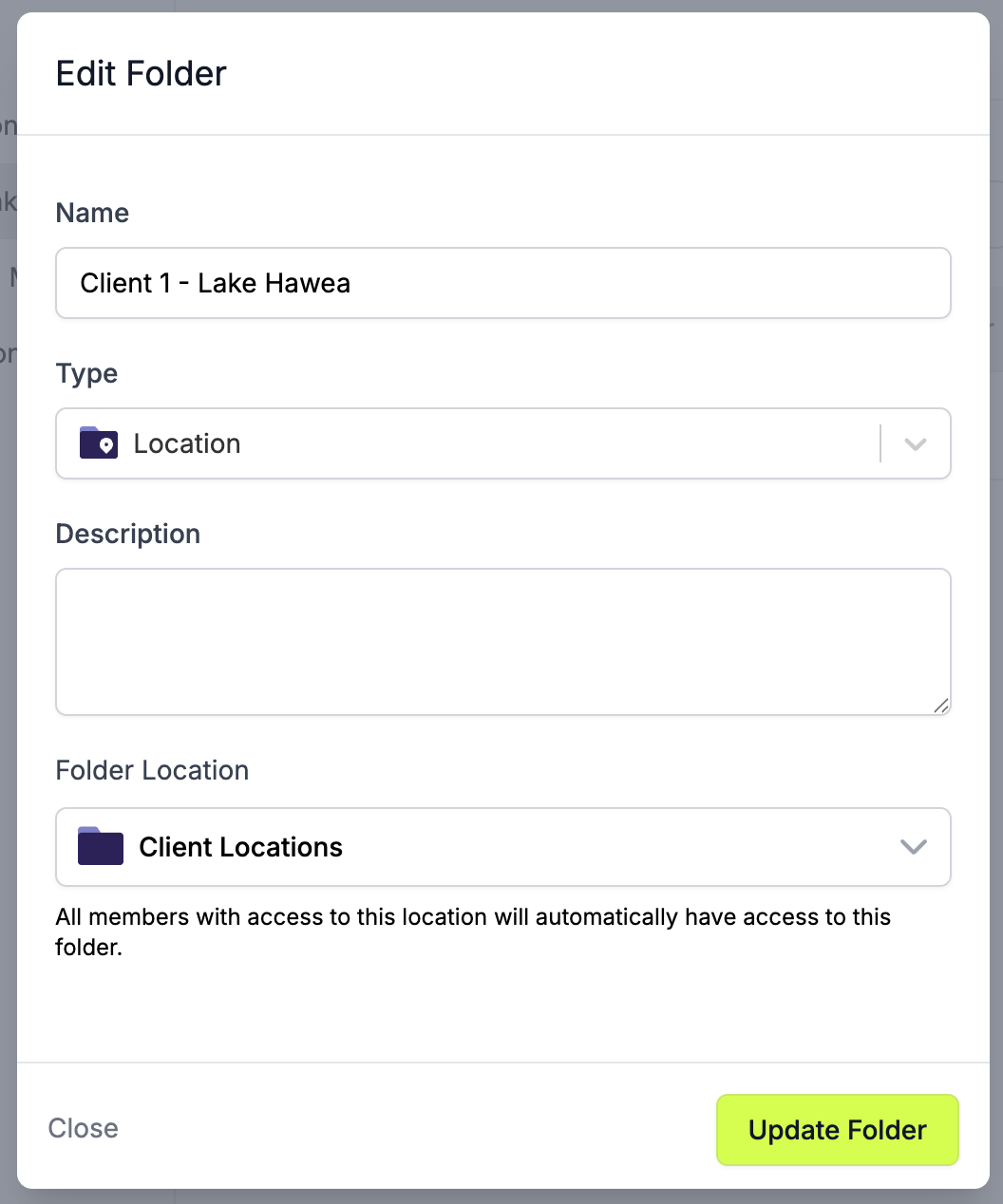
From here you can rename your folder, change its type, edit its description, and change its location
-
Click 'Update Folder'
Moving, renaming, and editing a folder using the mobile app
- Tap ‘Inventory’ on the bottom menu of the mobile app
- Tap 'Folders' on the top menu
- Select the folder you want to edit
- Tap on the three dots to the right of the folder name at the top of the screen
- Tap "Update"
- From here you can rename your folder, change its type, edit its description, and change its location
- Tap "Update Folder"