
Add a third party inspector to your organisation
1. Follow the steps to Invite Team Members, selecting ‘Manager’ as their role
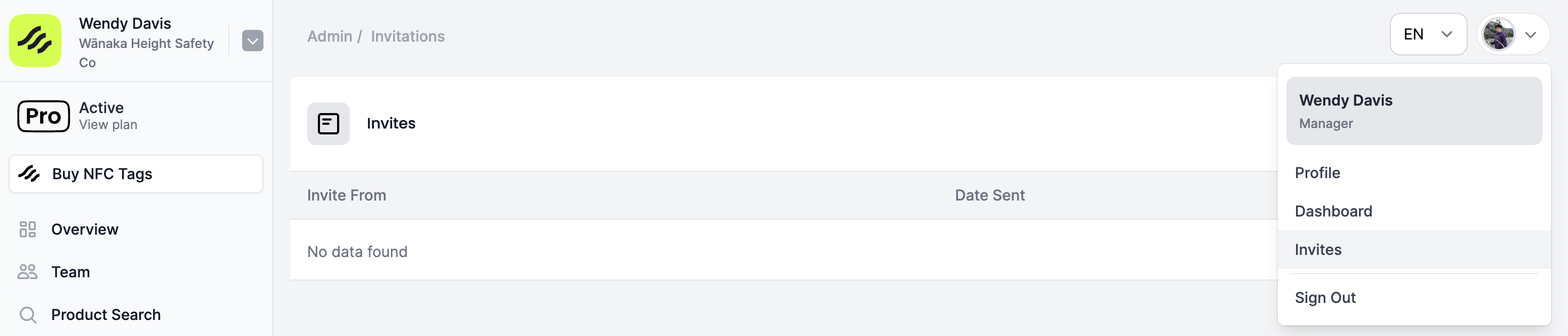
2. The Third Party Inspector will need to accept the email invitation, or head to the dropdown on the top right hand side of your dashboard and select ‘Invites’
3. Ensure you have designated the Third Party Inspector a Competent Person