
Using Multi-scan with the mobile app
-
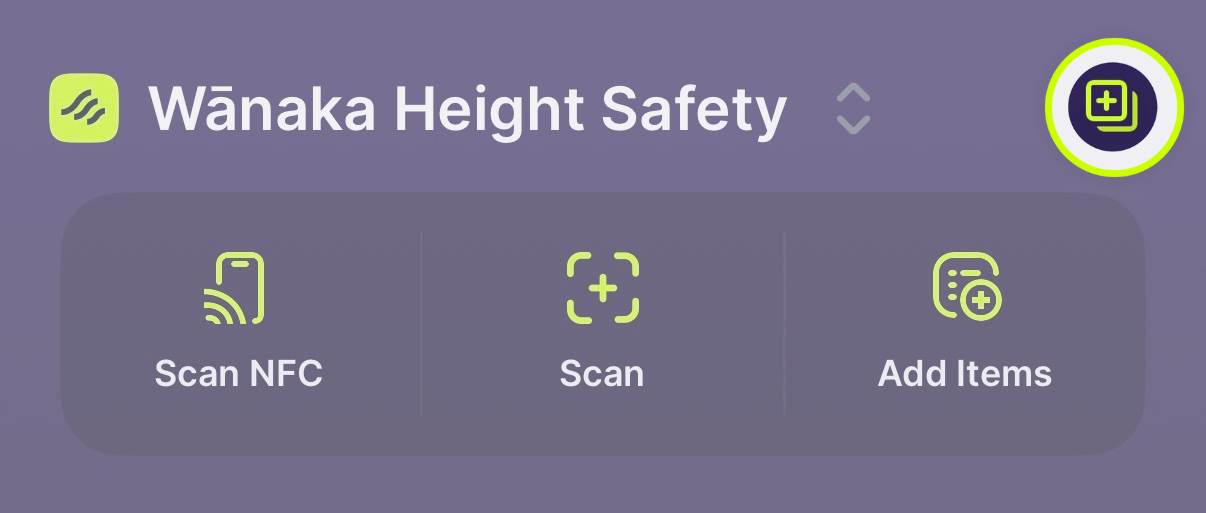
Open Multi-scan by clicking on the symbol in the upper right hand corner of the app
-
Tap 'Add Item'
-
Use NFC, scan the 2D codes on your equipment, or search to build a list of items
-
Tap ‘Options’
-
Choose the action you wish to perform. You can perform more that one action on the list of equipment, e.g. you can assign the equipment to a kit bag, and then record inspection results
-
Tap ‘Clear’ in the top right corner to clear your list
Using Multi-scan with the web-based app
- Head to the Multi-scan area of your Scannable dashboard
- Use NFC (you will need a USB NFC Reader) or search to build your list of items
- Click on the drop down box on the bottom left of the screen, and select the action you want to perform
- Click ‘Clear’ in the bottom right corner to clear your list